
How to Apply Solar Subsidy Online (2026): Complete Step-by-Step Guide

H2 headings in these guides automatically get IDs from the blog renderer, so the Table of Contents works without manual anchors.
Before You Apply — Checklist
If you treat this like an online form only, you’ll get stuck. Treat it like a project with a short checklist. Before you open the portal, confirm these basics:
Most applicants get better results when they estimate system size first. Use our calculator to avoid over-sizing and to plan your budget after subsidy.
Step by Step: Apply on pmsuryaghar.gov.in
The official portal is where the scheme process starts. The exact screen labels can change, but the flow typically follows these steps.
Go to pmsuryaghar.gov.in. Select your state and DISCOM carefully—this must match the DISCOM on your bill. Enter your consumer number and verify using OTP.
Fill basic details and submit the application for feasibility. Upload any required documents if prompted. Save the application reference number.
Your DISCOM checks whether a rooftop system can be connected as per local constraints. Check the portal dashboard regularly and respond quickly to any correction requests.
Choose a vendor as per portal guidance. Confirm equipment specs, warranty, and who handles net metering paperwork. Always demand a written quote with GST breakup.
Installation alone is not the end. Ensure net metering is applied, the meter is installed/updated, and commissioning inspection is completed.
Once commissioning is approved on the portal, submit bank details for subsidy credit. Track status until the amount is credited.
Do not pay the full amount to any vendor without a clear milestone plan (survey → feasibility → installation → net metering → commissioning). Rushed payments create leverage issues during pending stages.
How to Choose an Empanelled Vendor
This decision impacts both your system performance and your subsidy timeline. Use a simple decision framework:
Good vendors are transparent about sanctioned load limits and will not promise unrealistic system sizes. If someone promises "any kW" without feasibility discussion, treat it as a red flag.
After You Apply — What Happens Next
Once you submit, you’ll generally see a portal status progression. Every DISCOM uses different labels, but here’s how to interpret it:
- Submitted / Under Review: your details are in the queue.
- Feasibility Approved: you can proceed with installation steps.
- Installation in Progress / Completed: vendor activity stage.
- Net Metering / Inspection Scheduled: critical stage for commissioning.
- Commissioned: system is officially accepted and connected.
- DBT / Subsidy Processing: bank details verified and subsidy initiated.
To reduce delays, keep a habit: check your dashboard weekly and keep your files ready.
If your status stays “pending” for too long, read: Solar Subsidy Status Check.
Application to Subsidy — Full Timeline
As a financial advisor, I’d tell you to plan a realistic window rather than believing “15 days” promises. The timeline depends on:
- DISCOM load and inspection queue
- vendor availability
- quality of your documents
The subsidy is typically linked to commissioning/verification. If commissioning is delayed (even after installation), DBT processing can’t start. Build buffer time into your plan.
Also plan your budget: even after subsidy, you may need cashflow for the remaining cost or an EMI plan. Use the calculator to estimate final cost and payback.
Frequently Asked Questions
Do I need to apply separately on a state portal?
Start on the national portal. Some states/DISCOMs guide you to additional portals for vendor steps or net metering workflows.
What if I selected the wrong DISCOM?
That usually creates a mismatch with your consumer number. Correct it early—otherwise feasibility approval can stall.
Can a vendor apply on my behalf?
Some vendors assist, but you should keep control of your portal login and reference number to avoid losing visibility.
What is the biggest delay point?
Often net metering and commissioning inspection scheduling. Ask your vendor specifically about this step.
How do I estimate system size before applying?
Use our calculator with your bill + roof area and confirm feasibility with your DISCOM/vendor.
Related Guides
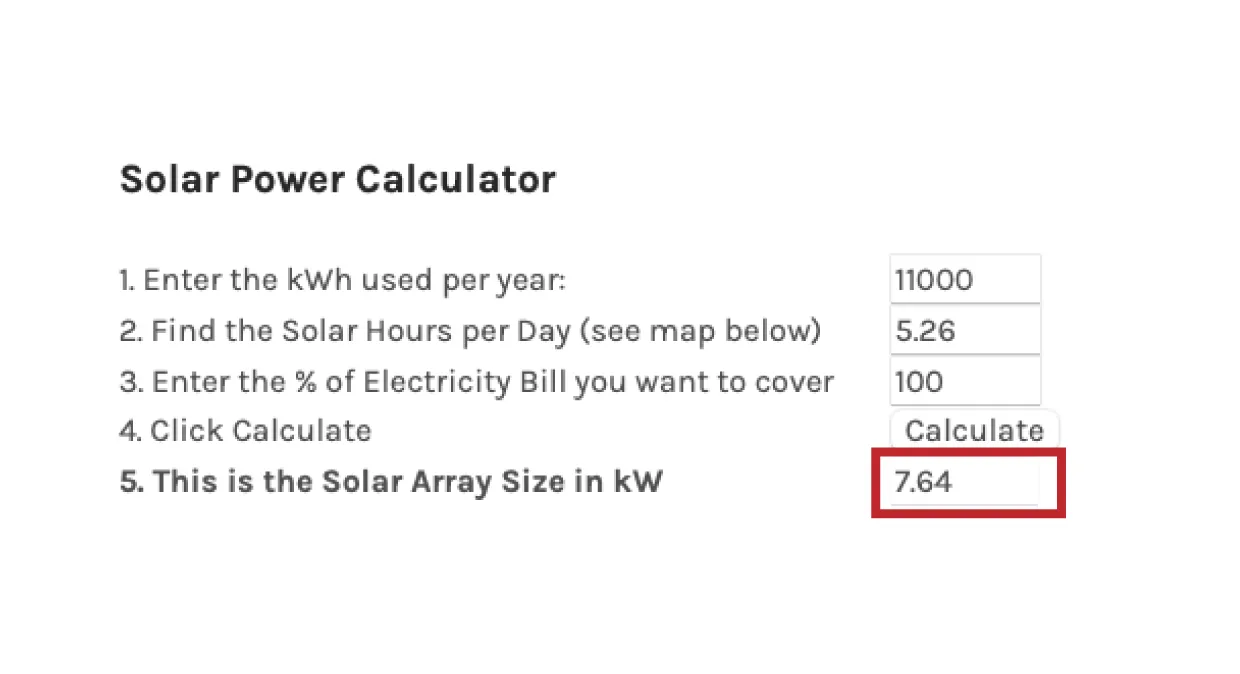
Learn the exact solar bill calculation formula used in India. Includes net metering formula, payback period formula and a free calculator to verify your numbers.

A practical finance guide: use subsidy first, loan for the remaining cost. Understand solar loan options, compare EMI impact, and decide when a loan makes sense.

Learn how solar savings are calculated, see a realistic example, understand 25-year projections, and how net metering affects savings. Includes links to our free calculator.